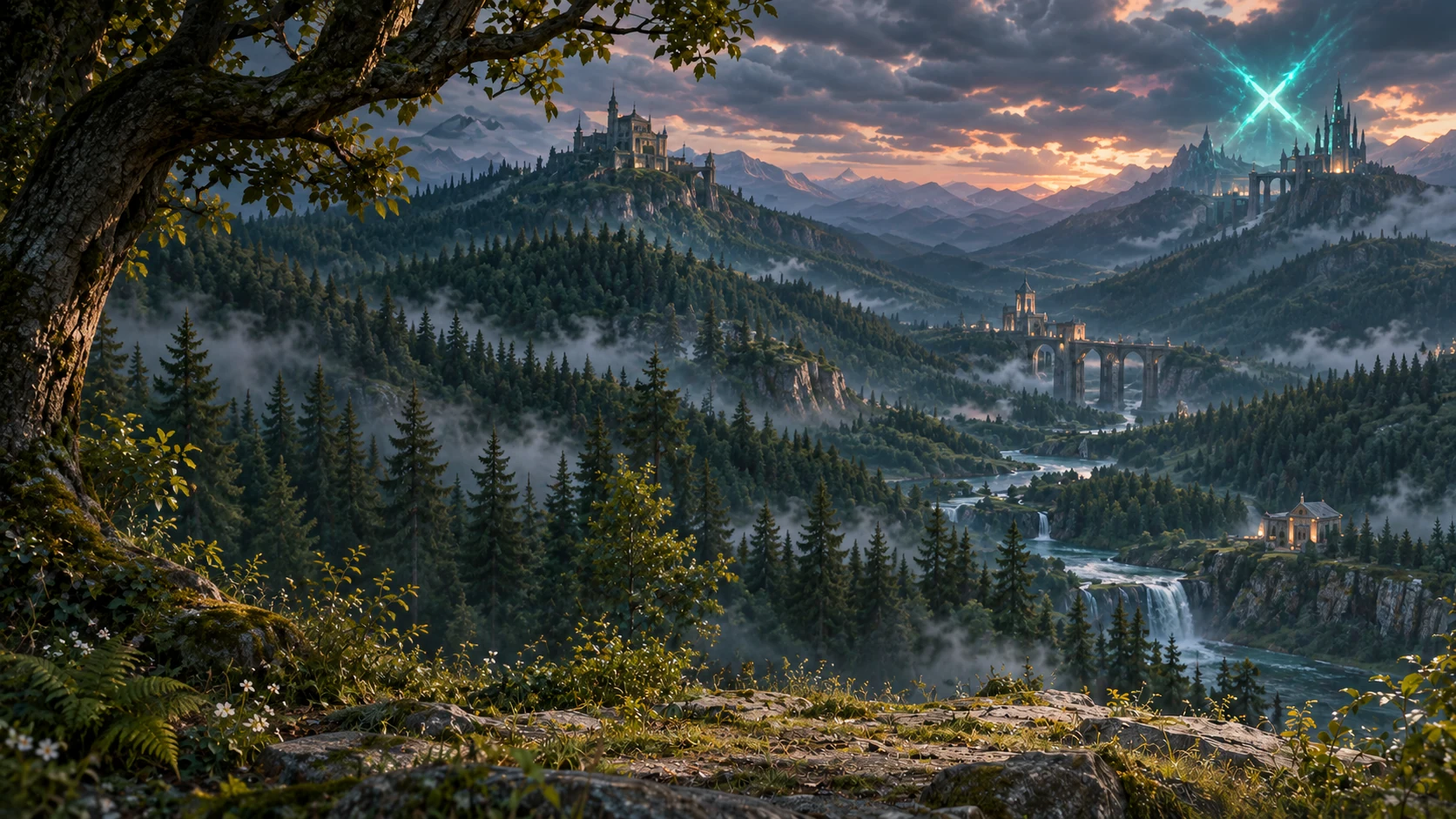
The Windows PC alpha of The Tenth Rift is officially open. Enter Forest Battle, push with your troop waves, take down enemy towers, and get clear when the X-shaped rift cuts across the arena.
Registration moves to the website. Create Account opens the web form. Confirm your email before signing in for the first time. New passwords require 8–16 characters with an uppercase letter, a lowercase letter, a digit and punctuation.
Sign-in and Security now handle verification separately. Sign in with your login name and password or select the saved account name. Logout clears the saved account and brings back the login form. Verification for sensitive actions takes place in Security, where you can report players, change your password and sign out remembered devices.
Settings uses dropdowns for graphics modes and presets, the FPS limit and HUD options. Exclusive Fullscreen is available under Display mode, and switching back to Windowed restores the saved window resolution.
Home has separate tabs for News and Patch Notes. They pull the published text from the website every minute while Home is open, or when you select Refresh.
In Play / Heroes, named hero portraits appear on the right. Appearance, abilities and the selected ability description sit on the left. Solo Test appears beside Play Multiplayer for accounts with access.
In Profile, statistics have icons, and the most-played hero appears in the center of the portrait row. Hover over a hero to see wins, losses and matches played.
Ranked history includes queue matches and Solo Test. Detailed results show Blue Mist and Red Dragon in separate tables with icons. Select a player name to open their public profile.
A verified test update from Build 62 downloaded 75.45 MB (75,453,352 bytes) and kept the existing settings.
Remembered sign-in on the public server now lasts 30 days after a successful sign-in with the option enabled. Accounts with two-factor authentication still require a code.
When a new signed build is available, a required update notice appears after the current match ends.
In a local test, the existing Windows Setup updated a Build 61 installation in place and downloaded 75.4 MB.
Doorgahas and Sharuugor join the roster. Doorgahas leaps into melee and absorbs incoming blows, while Sharuugor shields himself and pulls nearby enemies toward him.
Motion Matching improves movement transitions. Combat effects now appear on the terrain.
Fixed issues with sprint jumping, fall damage, and Rogod’an’s bow.
The Windows installer and game updates are now served directly from the game host.
Updating from Build 59? Run the new Setup once and select your existing installation folder to switch to the new update channel.